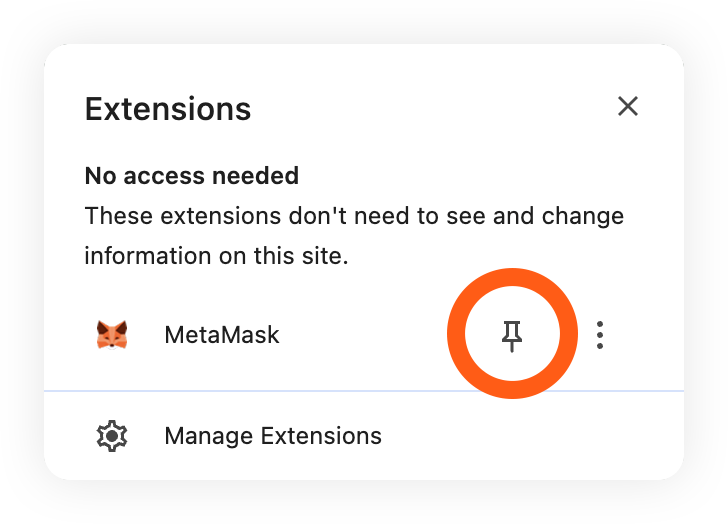
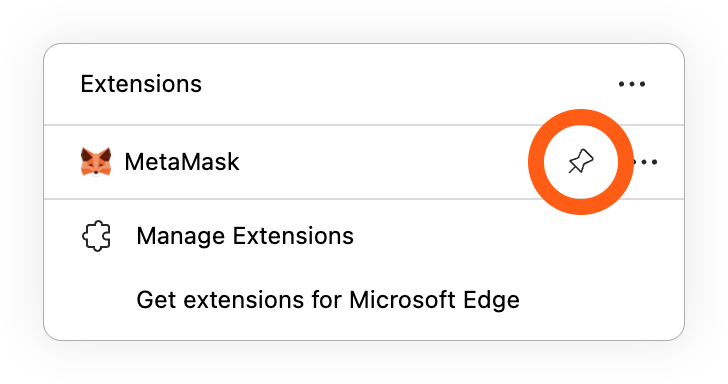
Master Your Wallet Setup & Navigation
Learn how to install MetaMask application, confirm browser permissions, and configure your toolbar for quick access to decentralized applications.
Quick Installation Walkthrough
Follow these simple steps to add the extension and initialize your secure wallet after initiating your download.
Confirm Extension Addition
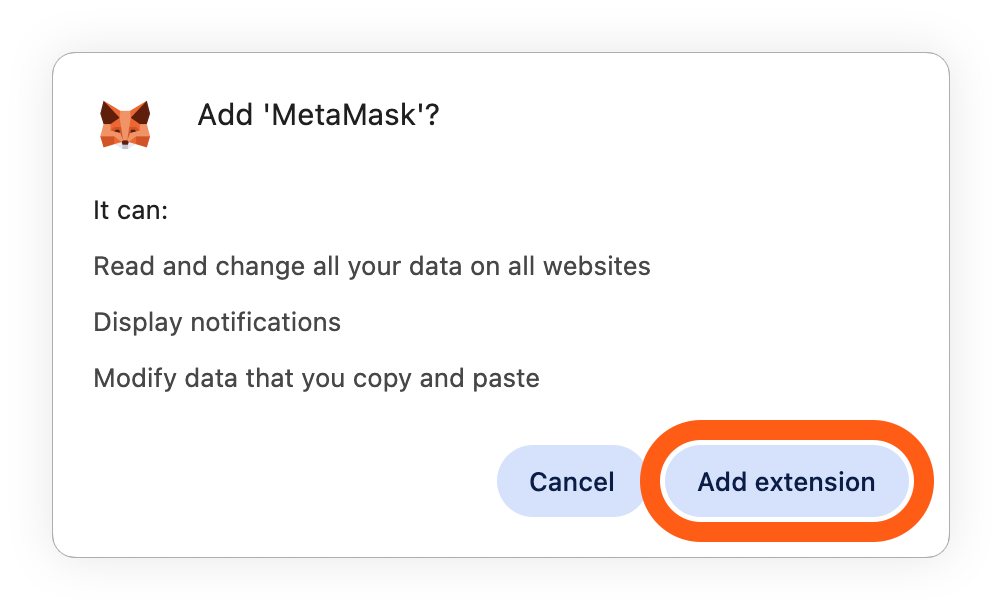
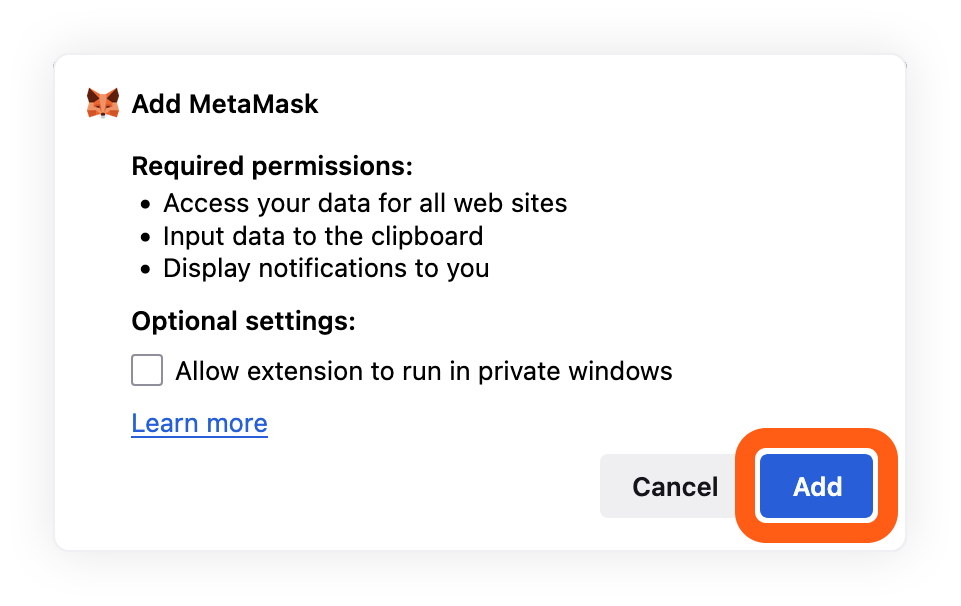
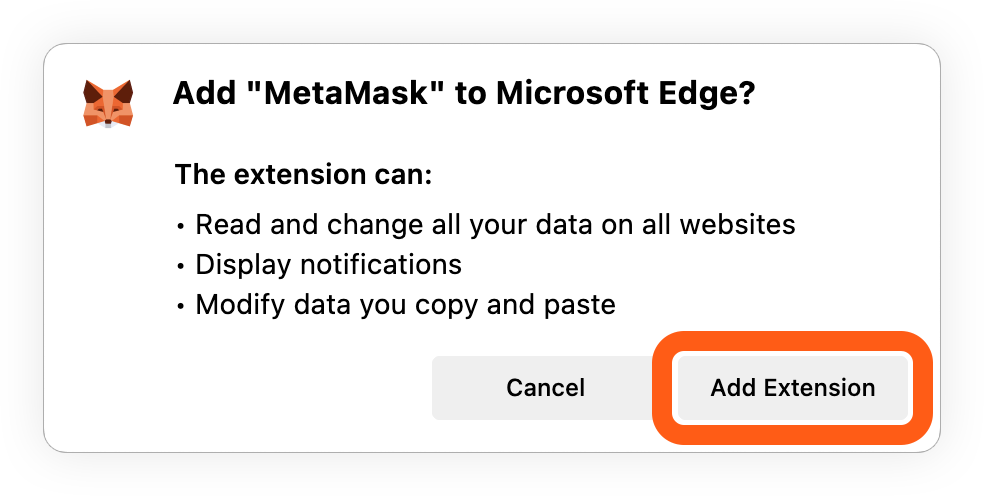
When prompted by your browser, review the required permissions and click 'Add Extension' to proceed with your setup.
-
Review Permissions
Check the notification and data interaction permissions in the popup dialog across Chrome, Edge, and other supported browsers.
-
Confirm Installation
Click the highlighted button to finalize the installation process securely.
Pin MetaMask to Your Toolbar
Click the puzzle piece icon in your browser toolbar and pin MetaMask for instant one-click access whenever you interact with Web3 protocols.
Looking to install on another platform or browser? Check out the Official Version Download page for complete package options.